KIIPT
Back to plans
Palbok · Menu upgrade · Membership

Palbok Menu Upgrade
Marketing Plan

First introduce the new menu. Then use Palbok Membership to bring people back.

Plan overview

Menu upgrade and membership

PART 01 · MENU UPGRADE

New menu

Tease before the 24th. Focus on the new menu for two weeks after.

PART 02 · PROMOTE MEMBERSHIP

Palbok Membership

Keep it light now. Start the membership campaign in week 3.

Timeline

Marketing timeline

NOW

Palbok Membership access

Keep the bio link, QR and staff support ready for guests.

Est. 16 to 23 Aug

BEFORE THE 24TH

Menu teaser

Post one Coming Soon teaser only.

Est. before 24 Aug

WEEK 1 TO 2

New menu

Show new dishes and real visits.

Est. 24 Aug to 6 Sep

WEEK 3 TO 4

Palbok Membership Campaign

Post Why join, How to join and run the membership event.

Est. 7 to 20 Sep

01 · Menu upgrade promotion

How we will promote the new menu

02 · New menu event

New Menu Game.

Run one game during the campaign period through Palbok Membership.

JOIN EVENT

Join event

Join through Palbok Membership.

AFTER PAYMENT

Play the game

Play after ordering a new set.

PRIZE

Win new menu rewards

All prizes are for the new menu.

Final prizes, dates and terms to be confirmed.
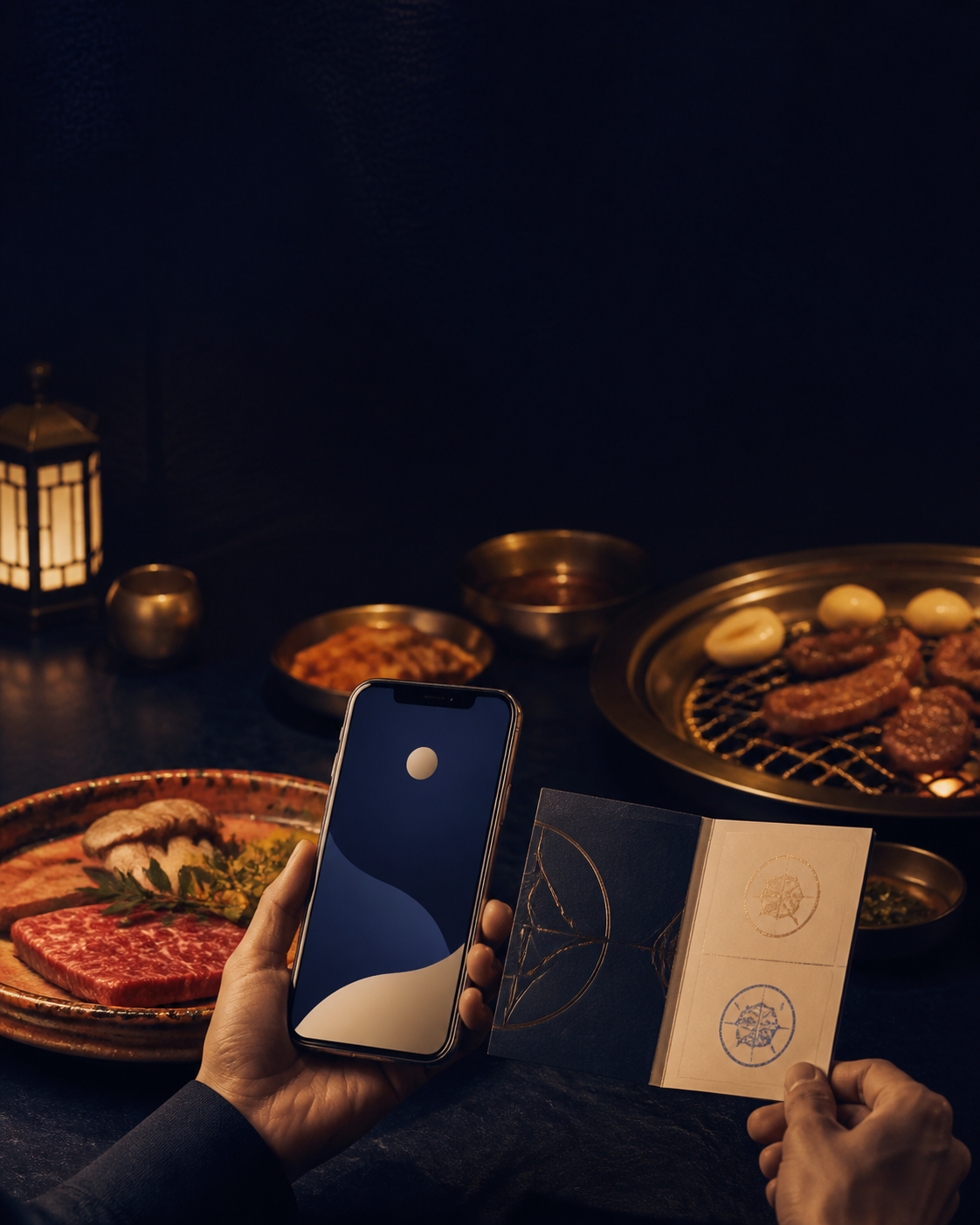
New Menu Game event example
03 · Palbok Membership

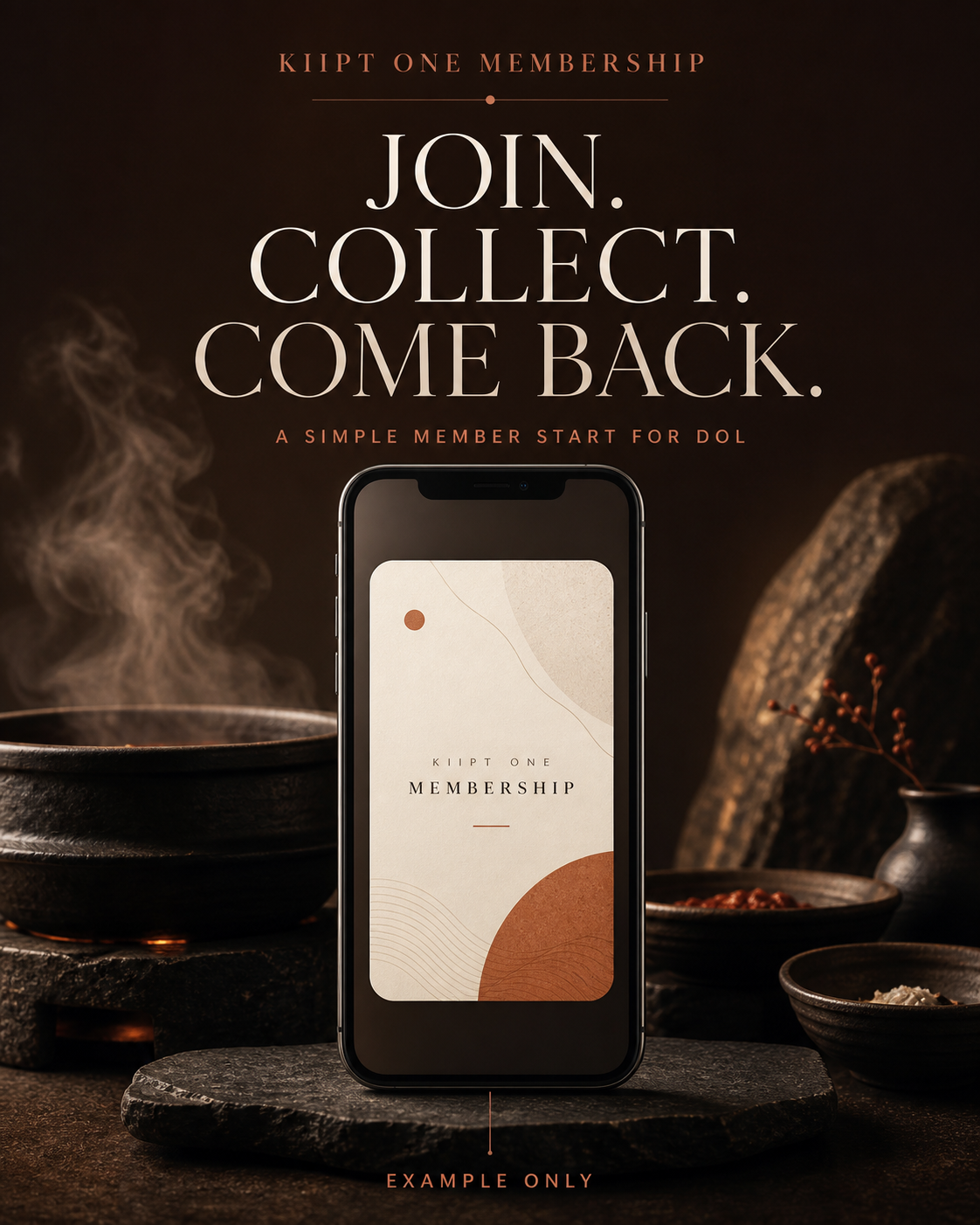
Promote Palbok Membership.

Keep the app visible now through the bio link, in-store QR and staff support. After the new menu has had two weeks to land, explain why to join and how to join.

NOW

Keep it visible

Bio link, QR and staff support.

WEEK 3 · DAY 1

Why join

Explain what Palbok Membership gives guests.

WEEK 3 · DAY 2

How to join

Show the signup steps clearly.

Palbok Membership app visual
Approved Palbok new menu sets
Post 01

Three choices, one simple visual.

Create one carousel or menu graphic with Small, Medium and Premium shown side by side. The goal is simple: existing guests can immediately see that Palbok now has more ways to order.

Palbok restaurant visual
Before the 24th

Social media teaser

Post one Coming Soon teaser. Keep it short and do not reveal the full menu yet. The purpose is only to let existing guests know that a menu upgrade is coming.

Palbok logo
From the 24th

Launch new menu post

Use the approved Palbok menu image to announce the upgrade, show key new dishes and make it clear that the menu now has three set options.

Instagram Highlight example
Week 1 to 2

New Menu Highlight

Create a New Menu Highlight on Instagram. Save launch posts, new dishes and simple menu information there, so guests can find the update again after the first post disappears from the feed.

New Menu Game event example
EVENT EXAMPLENew Menu
Game
From week 3

New Menu Game

Join Palbok Membership. Order a new set. Play after payment.

  • Free new menu à la carte item
  • New menu à la carte voucher
  • RM30 off Premium Set
Approved Palbok new menu photography
Post 02

Launch new menu post

Use the approved Palbok menu photo for the main announcement. Show the new dishes first, then use later posts for ingredients and cooking moments.

Palbok ingredient preparation
In-store print

One guide at the point of choice.

Prepare a simple three-choice guide for the table or counter. It should explain what Small, Medium and Premium mean at a glance, and include a clear Palbok Membership QR step once the final membership mechanic is confirmed.

New Menu Game event example
EVENT EXAMPLENew Menu
Game
Event proposal

New Menu Game

During the campaign period, guests join Palbok Membership and play after payment.

  • Free new menu à la carte item
  • New menu à la carte voucher
  • RM30 off Premium Set

Final dates and terms to be confirmed.